Canva Wedding Invitation Printing Spanish Fork - Local Pickup, 1-2 Day Turnaround
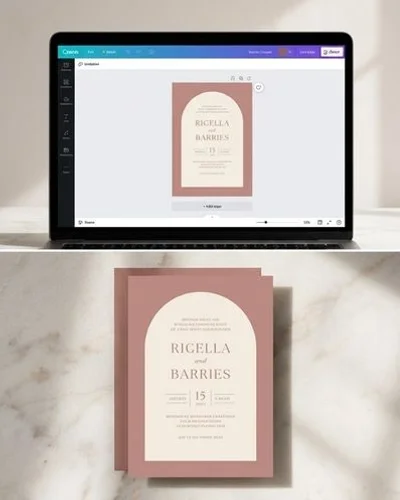
If you designed your wedding invitations in Canva, we can professionally print them on thick, beautiful cardstock for Spanish Fork couples without the 2-3 week shipping wait of online printers. Send us your Canva files and we will check them for print readiness, fix any issues with bleeds, margins, or resolution, and deliver crisp, polished invitations - ready for local pickup near Spanish Fork.
What's Included
Professional Printing for Your Canva Wedding Invitations
You spent hours perfecting your wedding invitation design in Canva. The colors are right, the fonts are beautiful, and the layout tells your story. Now you need it printed on quality paper that does your design justice - without waiting 2 to 3 weeks for a national online printer to ship to Utah.
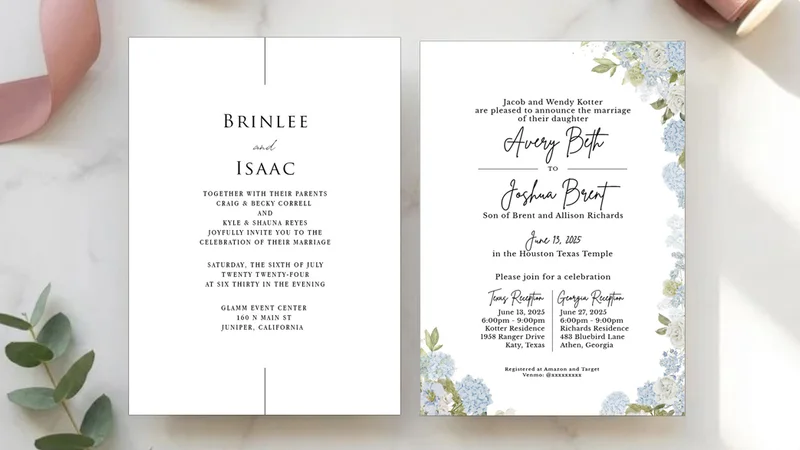
That is exactly what we do for Spanish Fork couples. Send us your Canva file and we will transform your digital design into a premium printed invitation on thick, smooth 100 lb matte cardstock - the same stock we use for our custom designs.
Why Not Just Print at a Copy Shop?
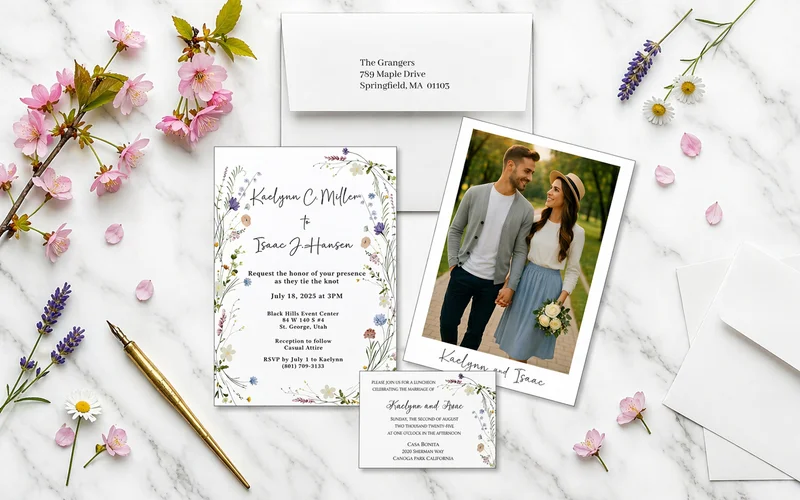
The difference between a copy shop print and a professional print is something your guests will feel the moment they pick up your invitation. Chain store printers (and the Walmart Photo Center on S 2550 E) typically use thin, lightweight cardstock that feels flimsy and looks cheap. The colors can appear washed out, and the margins are often inconsistent because consumer machines cannot handle full-bleed printing.
We print your Canva design on premium 100 lb matte cardstock with professional color calibration. The result is an invitation that feels substantial, looks polished, and represents the quality of your special day.
Our Canva File Preparation Process
Before we print a single invitation, we review your file for common Canva printing mistakes that can ruin a print run:
- Bleed margins - We check that your design extends properly beyond the trim line so there are no white edges after cutting. Industrial guillotine cutters shift up to 1/16 inch during production, so the standard 0.125 inch bleed is mandatory.
- Resolution - Low-resolution images (especially photos pulled from social media or text messages) look blurry when printed. We check every image at 300 DPI minimum and let you know if any are too small.
- Color accuracy - Screen colors (RGB) and print colors (CMYK) can differ significantly. Bright royal blues and neon greens often shift to duller shades on paper. We verify your colors will print as expected before running the full batch.
- Trim safety - Important text or elements too close to the edge can get cut off. We check margins and move elements if needed.
If we find issues, we will let you know and can often fix them ourselves before printing.
Design Rescue for Canva Files
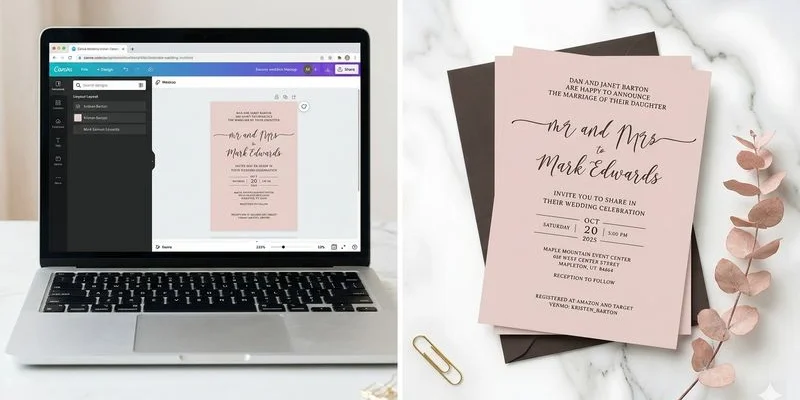
Sometimes a Canva design is close but not quite print-ready. Maybe the margins are off, the text is too close to the edge, or the photo resolution is low - common issues we see from couples who designed their invitations on a laptop late at night.
Janet can help refine your design before printing - adjusting layout, swapping in a higher-resolution photo, or tweaking spacing to ensure a polished result. This is not a full redesign. Think of it as a professional polish to make sure your DIY design prints beautifully.
How to Send Your Canva File
The process is simple:
- Open your design in Canva
- Click Share then Download
- Choose PDF Print format
- Make sure Crop marks and bleed and Flatten PDF are both checked
- Email the file to hello@spanishforkweddinginvitations.com
We will review your file, send a proof, and have your invitations ready in 1-2 business days after approval. Spanish Fork-area brides can pick up locally a short drive away in Mapleton, and we ship anywhere in the US for couples a bit further out.
Why Choose Us
Expert File Preparation
We check your Canva file for print readiness and fix common issues - bleeds, margins, low-resolution photos - before printing.
Premium Print Quality
Your Canva design is printed on thick 100 lb matte cardstock, far better than the thin stock at the Walmart Photo Center on S 2550 E.
Skip the Online Shipping Wait
FedEx Office and online chain printers ship in 2 to 3 weeks. We turn most jobs around in 1 to 2 business days, with local pickup.
How It Works
Send Your File
Export your Canva design as a PDF Print and email it to us.
File Review
We check bleeds, margins, resolution, and color accuracy.
Fix & Proof
We fix any issues and send you a proof to review.
Print & Deliver
After approval, your invitations are ready in 1-2 days for local pickup.
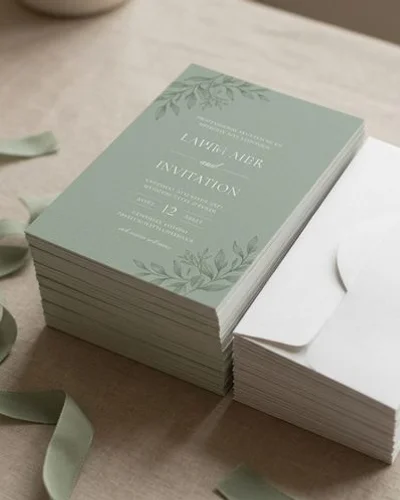
Browse Our Wedding Invitation Designs
Every design is customizable — choose your colors, fonts, and photos to make it uniquely yours.
View Full Portfolio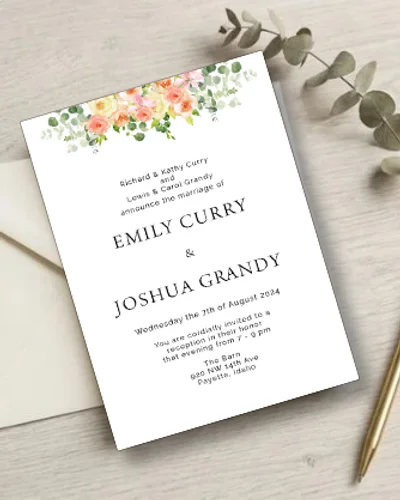
What Our Couples Say


Frequently Asked Questions
How do I send my Canva file for printing?
Can you fix my Canva design before printing?
What size should my Canva design be?
Do you print on the same thin cardstock as Walmart or office supply stores?
Related Services
Ready to Get Started?
Get a custom proof — usually the same day. Matching envelopes and insert card included with every order.